
S1 Game APK Download Online App Free For Android 2026
Description
S1 Game APK download in Pakistan game is a name associated with online mobile gaming platforms. Users searching for S1 Game Download, S1 Game Login, and S1 Game Register often want a simple explanation of its features and Android installation process.
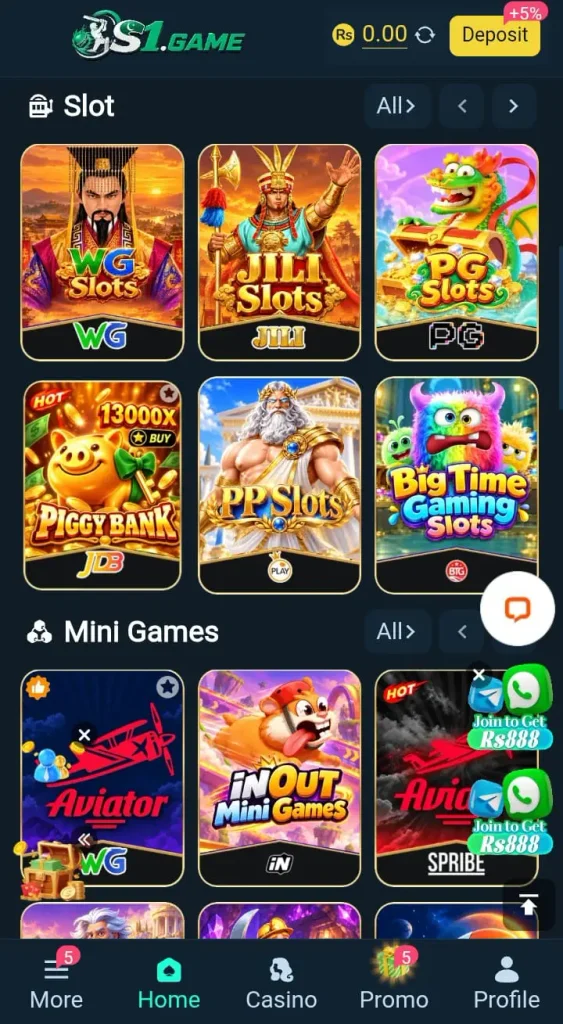
In this guide, we will explore the platform, account access, possible gaming categories, payment information, and important security precautions. The aim is to help Pakistani Android users make an informed decision instead of relying on promotional claims. For more games you can use M333 GAME for more rewards.
Overview of S1 Game
S1 Game is promoted online as a mobile gaming platform with different entertainment categories and account facilities. Its advertised features may vary depending on the version and service.
Before downloading S1 Game APK, users should verify the developer, official download source, application requirements, and privacy information.
S1 Game APK Information Table
| App Details | Information |
|---|---|
| App Name | S1 Game |
| APK Name | S1 Game APK |
| Category | Online Gaming |
| Latest Version | Verify current release |
| APK Size | Verify actual file |
| Android Support | Check official requirements |
| Developer | Verify publisher |
| Language | Check current application |
| Country | Pakistan audience |
| Price | Verify official terms |
Different websites display different S1 Game versions and file sizes. Always check the actual release information instead of trusting an outdated listing.
What Is S1 Game and How Does It Work?
S1 Game Apk is an online gaming platform name that appears in searches related to Android gaming and casino-style entertainment. The platform is advertised with different gaming categories and account management options. Depending on the actual version, users may encounter game collections, promotional sections, login facilities, and wallet-related options.
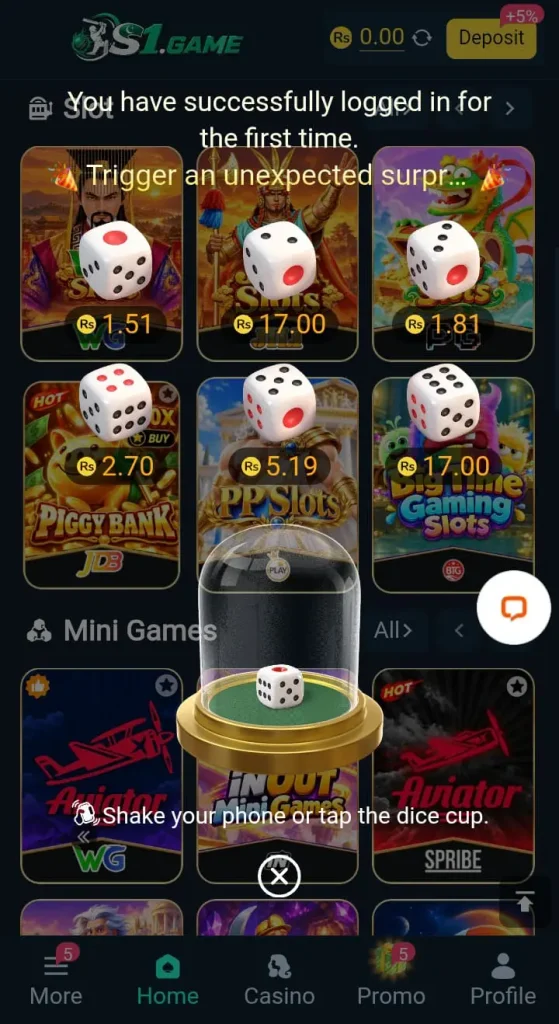
However, users should understand that promotional descriptions do not establish the reliability of a gaming service. Before participating, read the game rules and understand whether any activity involves financial risk. Games involving wagers or chance can result in losses.
Exploring S1 Game Features
Here are some areas users should explore before deciding whether S1 Game suits their requirements.
1. Gaming Categories
Online gaming platforms may organize their entertainment options into different categories. S1 Game listings mention casino-style entertainment and other gaming activities.
Check the actual application to identify which games are currently available.
2. Mobile Friendly Interface
A mobile friendly interface can make navigation easier on Android devices. Look for clearly labeled menus, readable text, and accessible account settings.
3. Account Management
Account management helps users access their profiles and manage login information. Check whether the platform provides password recovery and account security options.
4. Promotional Section
Some S1 Game promotional pages advertise bonuses and special activities. However, rewards can have eligibility conditions, expiry dates, and wagering requirements. Read the complete terms before accepting any promotion.
5. Customer Support
Before creating an account, investigate whether the platform provides genuine customer support. Look for clear contact information and understandable support policies. Avoid sharing passwords or verification codes with anyone claiming to be a support representative.
How to Download S1 Game APK in Pakistan
If you are interested in S1 Game Download Pakistan, follow these precautions before installing an APK.
Step 1: Find the Original Source
Look for the publisher’s verified website. Avoid unfamiliar websites with misleading download advertisements.
Step 2: Check Application Details
Review the developer, application name, release information, permissions, and privacy policy.
Step 3: Download the APK
Only consider downloading the file if its source is trustworthy. Do not install modified or suspicious versions.
Step 4: Review Android Security Warnings
Android may display warnings when installing applications outside Google Play. Do not disable essential security protections to force an installation.
Step 5: Complete Installation
If the application passes your security checks, follow its installation instructions and review the permissions before opening it.
How to Install S1 Game on Android
After obtaining a trustworthy installation file, follow the general Android installation process.
- Open your downloaded APK file.
- Review the Android security information.
- Check the requested permissions.
- Follow the installation instructions if you decide to proceed.
- Open the application and check its functionality.
- Disable any temporary installation permission you enabled.
Never ignore a security warning simply because a website describes its APK as safe.
S1 Game Registration Guide for Beginners
New users often search for S1 Game Register because they want to understand the account creation process.
If registration is available through the verified platform, follow these general steps:
- Open the official application or website.
- Find the Register or Sign Up option.
- Review the information requested.
- Create a unique and strong password.
- Complete any legitimate verification process.
- Read the terms and privacy policy before submitting your details.
The exact registration requirements should be confirmed through the current application. Never share your OTP, password, or account recovery information.
S1 Game Login How to Access Your Account
Existing users can look for the official S1 Game Login option. Generally, an account login system may request registered credentials.
If you experience login problems, try these solutions:
- Check your internet connection.
- Review your login information.
- Restart the application.
- Check for an official application update.
- Use the password recovery option if available.
Avoid repeatedly entering incorrect passwords because this may trigger temporary account restrictions.
S1 Game Deposit and Withdrawal Information
Payment information is an important consideration for Pakistani users. Before making any transaction, investigate whether S1 Game actually supports the payment facilities advertised on its platform.
Check these details:
- Available deposit methods.
- Available withdrawal methods.
- Minimum transaction limits.
- Processing conditions.
- Applicable service charges.
- Account verification requirements.
Easypaisa and JazzCash should only be considered supported when the current official payment section confirms them. Remember that a payment option appearing on a promotional website does not prove that every transaction will succeed. Never deposit money based on guaranteed earning advertisements.
Is S1 Game Safe for Android Users?
Application security deserves attention, especially when downloading APK files from outside the Play Store. Consider these important precautions: Verify the Publisher: Check whether the application has identifiable ownership.
Review Permissions: Avoid applications requesting unnecessary access to personal information. Check Privacy Information: Understand how your information may be collected and used. Avoid Modified Files: Unofficial APK modifications may create security problems.
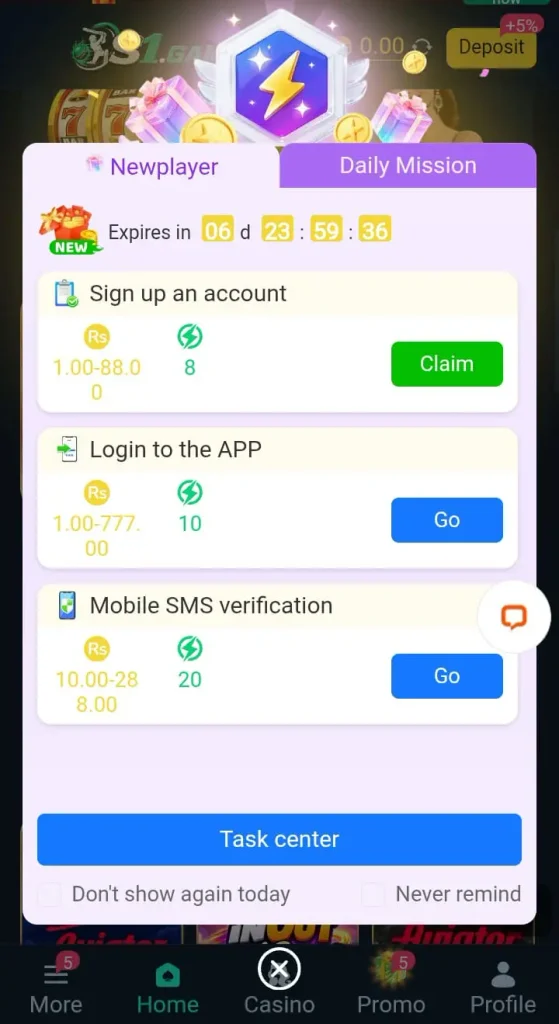
Protect Your Account: Use a strong password and never share verification codes. If the platform involves real-money gaming, understand the financial risks and applicable local laws before participating.
Common S1 Game Problems and Solutions
S1 Game Is Not Installing
Check your Android compatibility, available storage, and downloaded file integrity.
S1 Game Login Is Not Working
Verify your account details and use the official recovery process if available.
S1 Game Is Not Opening
Restart your device and check your internet connection. If the issue continues, avoid downloading replacement files from suspicious sources.
S1 Game Is Running Slowly
Close unnecessary background applications and make sure your phone has enough storage.
S1 Game Download Link Is Not Working
The download page may be temporarily unavailable or outdated. Verify the source before trying another website.
Advantages and Limitations of S1 Game
Before exploring S1 Game, consider both its advertised features and the information that remains uncertain.
Potential areas of interest:
- Mobile gaming entertainment.
- Different advertised gaming categories.
- Account management options.
- Promotional sections.
- Online access options.
Important limitations:
- Current APK specifications need verification.
- Developer information should be confirmed.
- Payment arrangements require independent checking.
- Advertised bonuses may have restrictions.
- Financial outcomes are not guaranteed.
Things to Check Before Using S1 Game in Pakistan
S1 Game APK, spend some time checking the platform’s background. First, identify the actual application publisher. Next, look for a privacy policy and terms of service. Check whether the download source is genuine and whether the application requests reasonable permissions. If payment facilities are advertised, read the transaction rules carefully. Understand any wagering requirements and withdrawal restrictions before participating.
Conclusion:
S1 Game Apk is an online gaming platform name that has attracted attention from users searching for mobile entertainment in Pakistan. Its advertised gaming categories, account options, and promotional facilities may interest Android users. However, checking the official application source, developer information, and security requirements should always come first. Before using S1 Game APK, understand its registration process and review any payment conditions carefully. Do not depend on promotional earning claims or assume that every advertised feature is available. A careful approach helps protect your device, personal information, and finances while exploring unfamiliar gaming platforms.
FAQs
S1 Game APK refers to an Android installation file associated with the S1 Game platform. Verify its publisher and download source before installation.
Find a trustworthy official download source, review the application details, and check Android security information before installing.
Online listings advertise Android versions, but compatibility depends on the actual application file and your device. Check the current requirements.
If registration is available, open the verified platform, select Register, and follow the displayed instructions.
Use the official login facility and enter your registered credentials. Follow the account recovery instructions if you forget your password.